

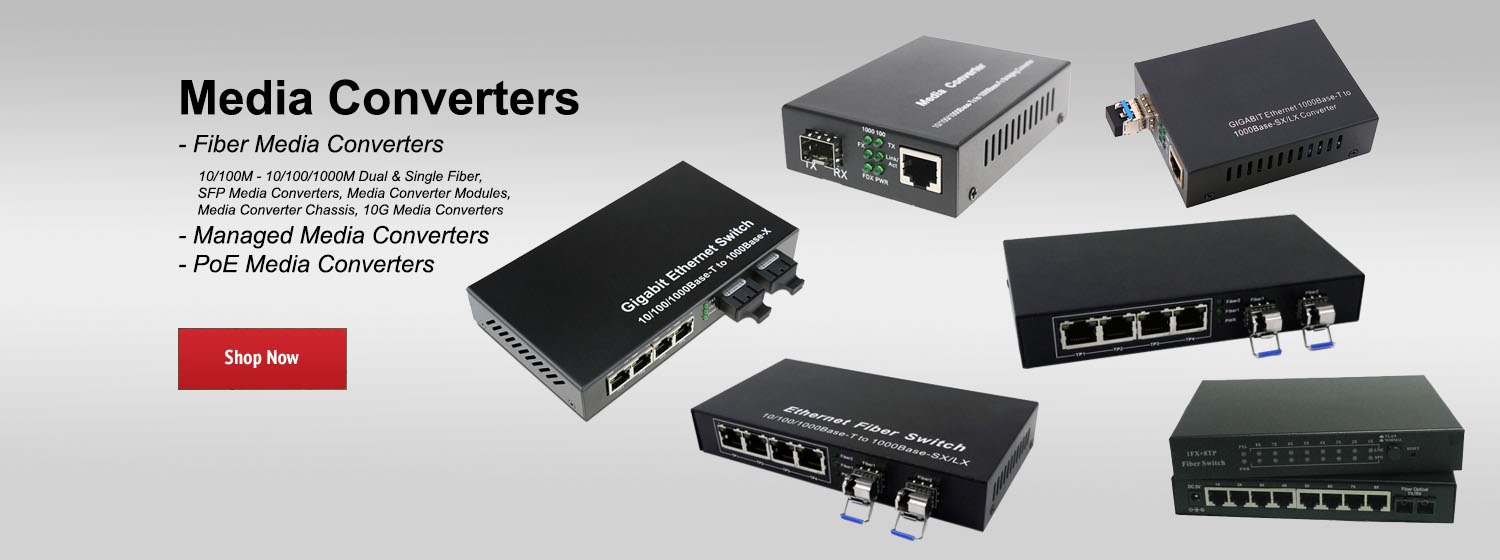


In this short tutorial, you'll learn how to make smart home controls even simpler with One-Tap Controls on mydlink.
Your Home, Only Smarter
Your Home, Only Smarter
- Category
- DLink

Be the first to comment
Up Next
Autoplay
-
01:01

mydlink Setup Video 04-1: Adding a Device With Setup Code
-
00:41
mydlink Setup Video 02: Finding Your Way Around mydlink
-
01:38
mydlink Setup Video 06 - Event & Video Tutorial
-
00:41
mydlink Setup Video 03: Getting Set Up
-
01:06
mydlink Setup Video 14: Adding Shortcuts
-
02:15
mydlink Setup Video 10 - Scenes Controls
-
00:49
mydlink Setup Video 01 - Finding your way around
-
01:36
mydlink Setup Video 11: Automating Your Home
-
01:39
mydlink Setup Video 13: Scheduling Your Home
-
01:08
mydlink Setup Video 04-2: Adding a Device Without Setup Code
-
00:31
NETGEAR Push2TV3000 Wireless Display -- Pass the Popcorn, not your mobile
-
00:34
Meet the 5720 Universal Switch
-
01:26
Enable and Collect Webex Directory Connector Logs
-
01:18

Introducing Vatche Varvarian - Innovation Lead